Getting Started
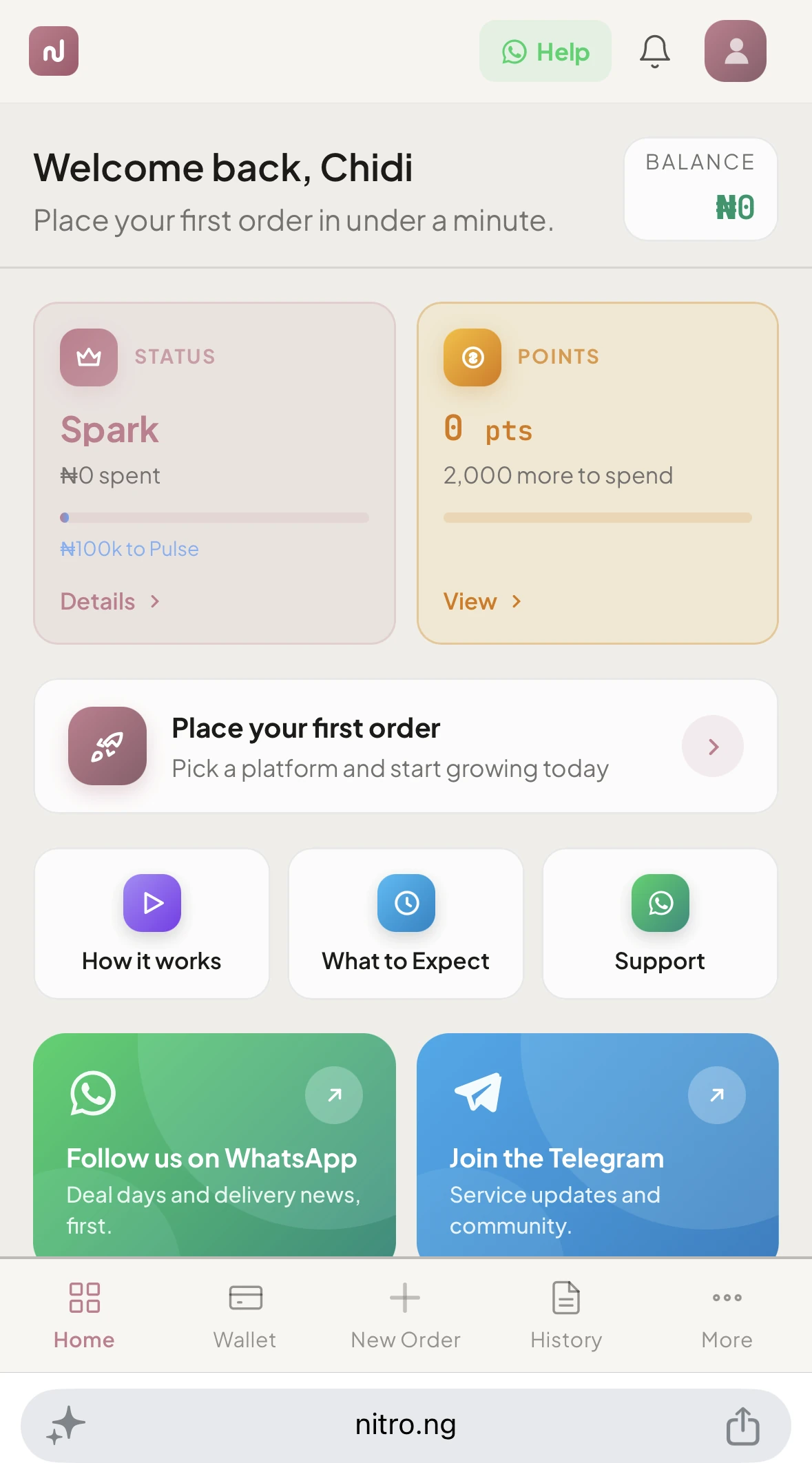
Placing an order on Nitro takes less than 60 seconds. Here's how
Step 1: Go to Services
Click Services in your dashboard sidebar. You'll see a list of platforms on the left: Instagram, TikTok, YouTube, Twitter/X, and 25+ more.
Step 2: Pick a Platform
Click any platform to see available services. Each platform shows a count badge so you know how many services are available before clicking.
Step 3: Choose a Service
Browse the service list and click the one you want. If it has multiple tiers (Budget, Standard, Premium), you'll see tier cards expand below, click the tier you want.
Step 4: Fill the Order Form
The order form appears on the right sidebar (desktop) or as a bottom sheet (mobile). Enter
- Link: the URL of the post, profile, or video you want to boost
- Quantity: how many followers, likes, views, etc. you want
Step 5: Place Order
Review the total price, then click Place Order. The amount is deducted from your wallet balance. Your order starts processing immediately.
Tips
- Make sure your profile/post is set to public before ordering
- Double-check the link: wrong links can't be refunded
- Start with a smaller quantity to test, then scale up