Funding Your Wallet
You need a funded wallet to place orders. Here's how to add money
Step 1: Go to Add Funds
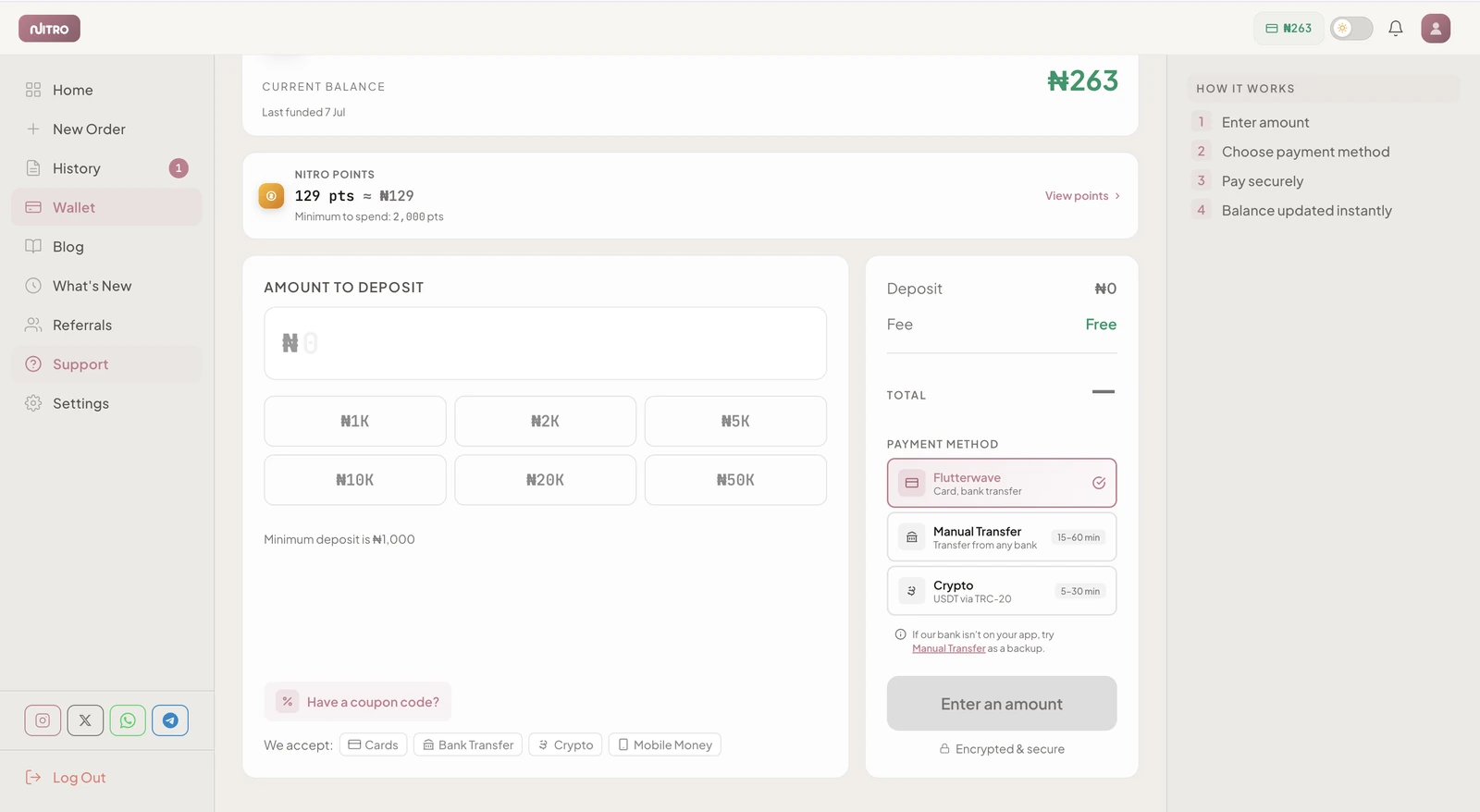
Click Add Funds in your dashboard sidebar.
Step 2: Enter Amount
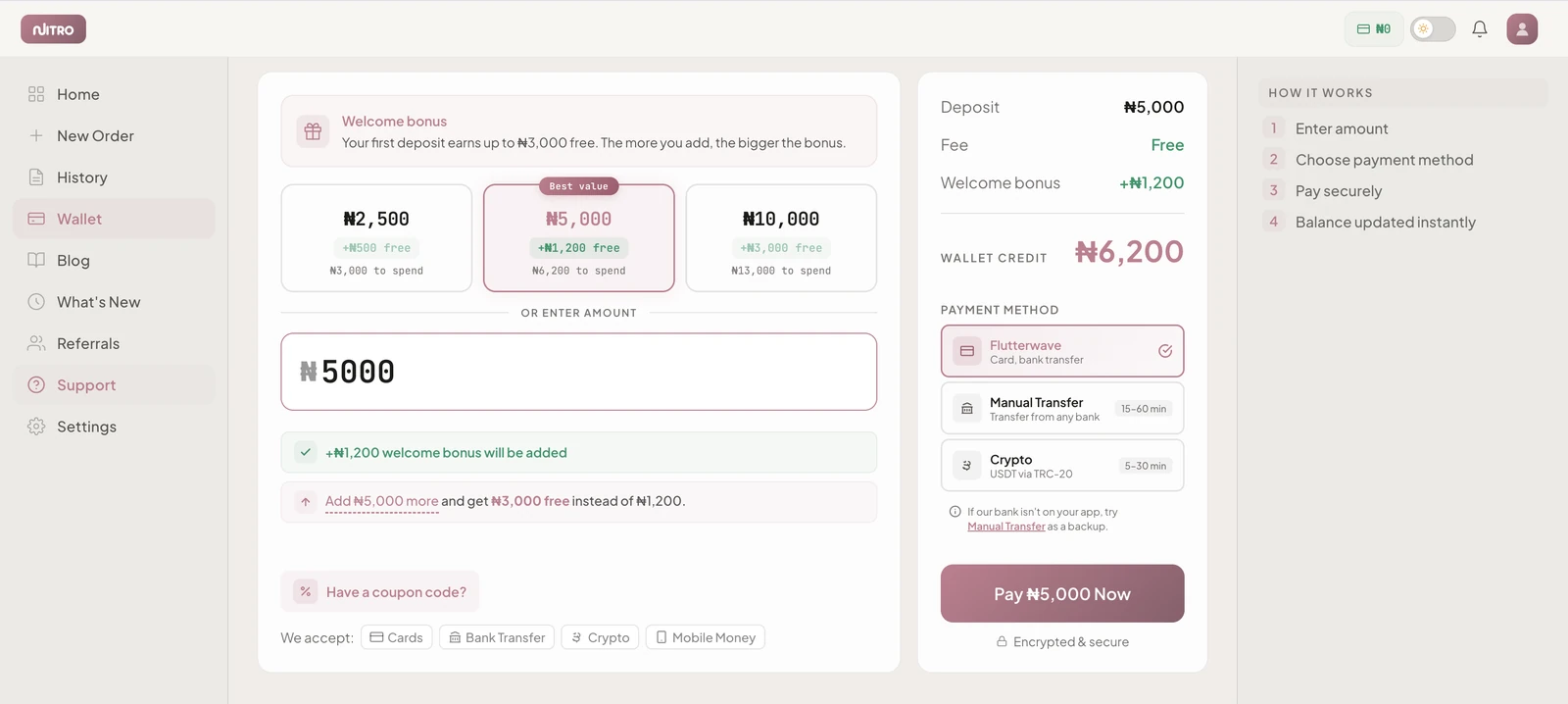
Type the amount you want to add in Naira (₦). You can use the quick-select buttons (₦1,000 / ₦2,500 / ₦5,000 / ₦10,000) or enter a custom amount.
Step 3: Pay with Flutterwave
Click Fund Wallet. You'll be redirected to Flutterwave's secure checkout where you can pay with
- Debit/Credit card (Visa, Mastercard, Verve)
- Bank transfer
- USSD
Step 4: Confirmation
Once payment is confirmed, your wallet balance updates instantly. You'll see the transaction in your Orders page under the Transactions tab.
Good to Know
- Minimum deposit: ₦1,000
- No maximum limit
- Funds are added instantly after payment confirmation
- All transactions are recorded in your dashboard